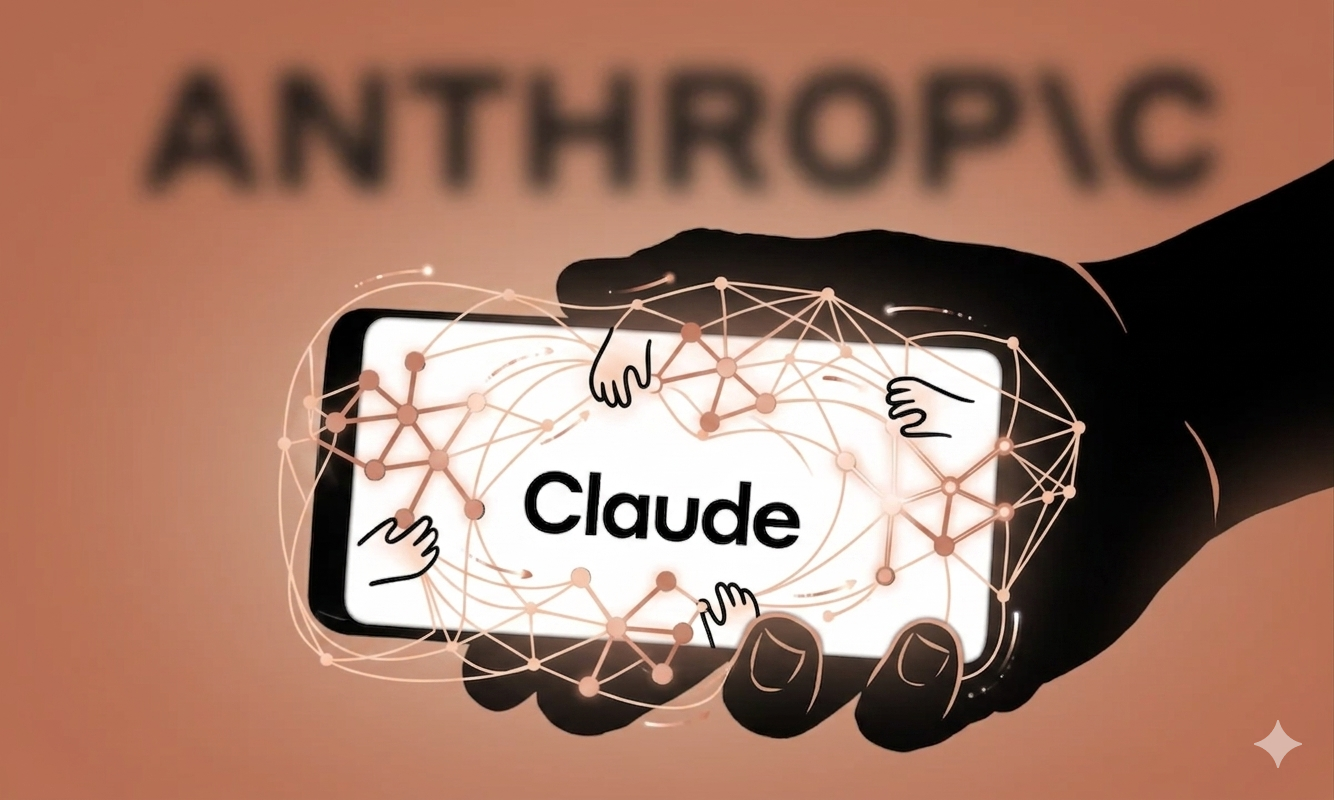
Anthropic just released the real Claude Bot, marking a significant milestone in autonomous AI assistance. The new Computer Use feature enables Claude to control your entire computer through natural language prompts, opening apps, scheduling tasks, preparing reports, and executing complex workflows without constant human supervision. This breakthrough represents a major leap forward in practical AI integration for professionals across industries. As businesses seek efficient automation solutions, understanding this release becomes essential for staying competitive in an AI-driven landscape.
Understanding Computer Use: How Anthropic just released the real Claude Bot for Desktop Automation
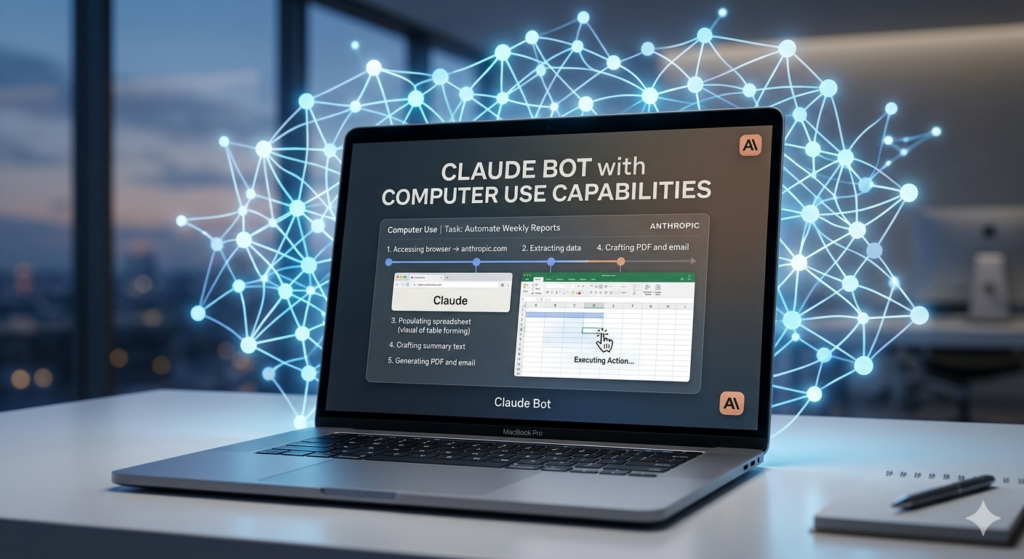
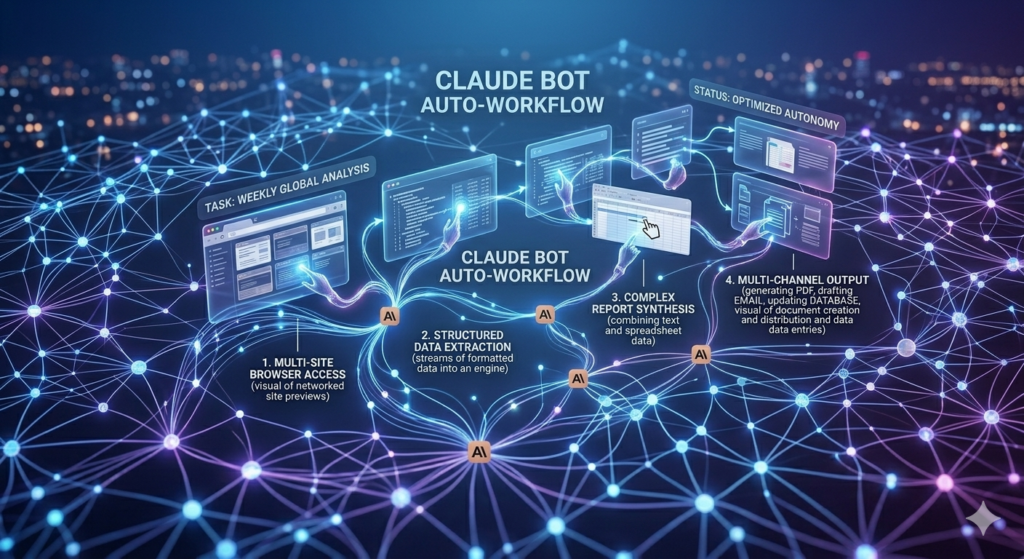
The Computer Use feature, currently available exclusively on macOS, allows users to delegate computer-based tasks to Claude through simple text or voice prompts. Unlike previous AI assistants that required switching between applications, Claude can now navigate your operating system, interact with software interfaces, and complete multi-step processes autonomously.
Key capabilities include:
- Opening and managing applications without manual input
- Scheduling meetings and managing calendar events
- Drafting emails, reports, and documentation
- Executing code and managing development workflows
- Browsing websites and extracting relevant information
This functionality transforms how professionals approach daily tasks. Instead of manually clicking through interfaces, users describe their goal in natural language, and Claude handles the execution. For developers, this means faster debugging cycles. For content creators, streamlined publishing workflows. For administrative staff, automated scheduling and correspondence.
Explore more AI automation tools – aitoolsupdates.net/ai-automation
Security and Permission Controls in the New Claude Bot
Anthropic has implemented a permission-first approach with Computer Use, ensuring users maintain control over AI actions. Before accessing new applications or folders, Claude requests explicit approval, creating an audit trail of autonomous activities. This design addresses common concerns about AI agents operating with unrestricted system access.
Anthropic Computer Use Documentation – https://docs.anthropic.com/en/docs/computer-use
Users can configure folder-level permissions, review action logs, and set boundaries for autonomous behavior. These controls make Computer Use suitable for enterprise environments where data governance and compliance are paramount.
Comparing Claude Computer Use to Open Source Alternatives
When evaluating autonomous AI tools, it’s helpful to compare Claude’s Computer Use with open-source projects like OpenClaw. While both enable AI-driven computer control, they differ significantly in accessibility, customization, and security models.
| Feature | Claude Computer Use | OpenClaw |
|---|---|---|
| Cost | Paid subscription | Free & open-source |
| Platform | macOS only | Cross-platform |
| Setup | Zero-configuration | Command-line expertise required |
| Model Flexibility | Claude models only | Model-agnostic |
| Security | Permission-first prompts | User-managed permissions |
Anthropic just released the real Claude Bot with a focus on user-friendly deployment, making it accessible to non-technical professionals who need immediate productivity gains without complex setup procedures.
Enterprise Considerations and Risk Management
Security researchers at Palo Alto Networks have highlighted potential risks when deploying autonomous AI agents with system access. These include exposure to untrusted content, data privacy concerns, and external communication capabilities. However, Anthropic’s controlled environment and permission protocols mitigate many of these concerns for business users.
TechCrunch AI Security Analysis – https://techcrunch.com/category/artificial-intelligence
For teams considering AI automation, establishing clear usage policies and monitoring protocols remains essential.
Read our AI security best practices guide – aitoolsupdates.net/ai-security]
Practical Applications: How Professionals Are Using Claude Computer Use
Early adopters are discovering innovative ways to leverage Claude’s autonomous capabilities:
• Content creators automate video editing workflows and social media scheduling • Developers use Claude to debug code, manage repositories, and deploy applications • Administrative professionals delegate email management, meeting coordination, and report generation • Researchers automate data collection, literature reviews, and citation management
Productivity Tips for Getting Started
To maximize value from Computer Use while maintaining security:
- Start with low-risk tasks like document formatting or calendar management
- Review Claude’s action logs regularly to understand automation patterns
- Use folder-level permissions to limit access to sensitive directories
- Combine Claude with other AI tools for specialized tasks like image generation or data analysis
The Future of Autonomous AI Assistants
Anthropic just released the real Claude Bot as a foundation for more advanced AI collaboration. Industry analysts predict that autonomous computer control will become standard in productivity software within 18-24 months. As these tools evolve, we can expect:
- Cross-platform compatibility beyond macOS
- Enhanced multi-agent coordination for complex projects
- Improved natural language understanding for ambiguous instructions
- Better integration with enterprise software ecosystems
Responsible Adoption and Ethical Considerations
While autonomous AI offers tremendous productivity benefits, responsible deployment requires attention to:
- Transparency with employers about AI assistance usage
- Data privacy compliance with organizational policies
- Maintaining human oversight for critical decisions
- Avoiding over-reliance that could diminish skill development
Conclusion
Anthropic just released the real Claude Bot with Computer Use, representing a transformative step toward practical AI automation. By combining natural language interaction with system-level control, Claude enables professionals to delegate routine computer tasks while focusing on high-value creative and strategic work. As the technology matures, early adopters who establish thoughtful usage protocols will gain significant competitive advantages.
Whether you’re a developer, content creator, or business professional, exploring Claude’s Computer Use capabilities today positions you at the forefront of the AI productivity revolution. Start with small, controlled experiments to build confidence before scaling to more complex workflows.
Leave a Reply