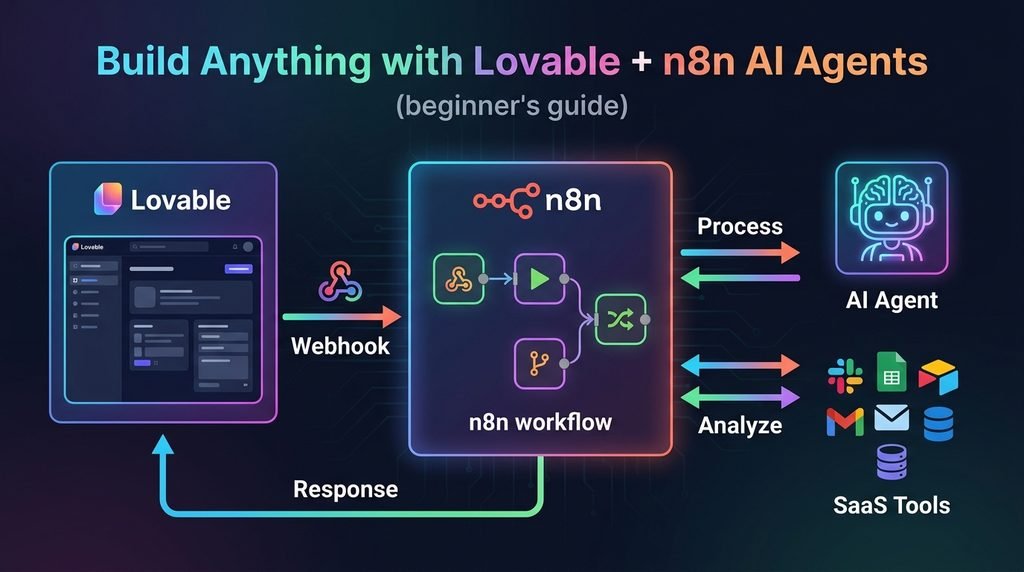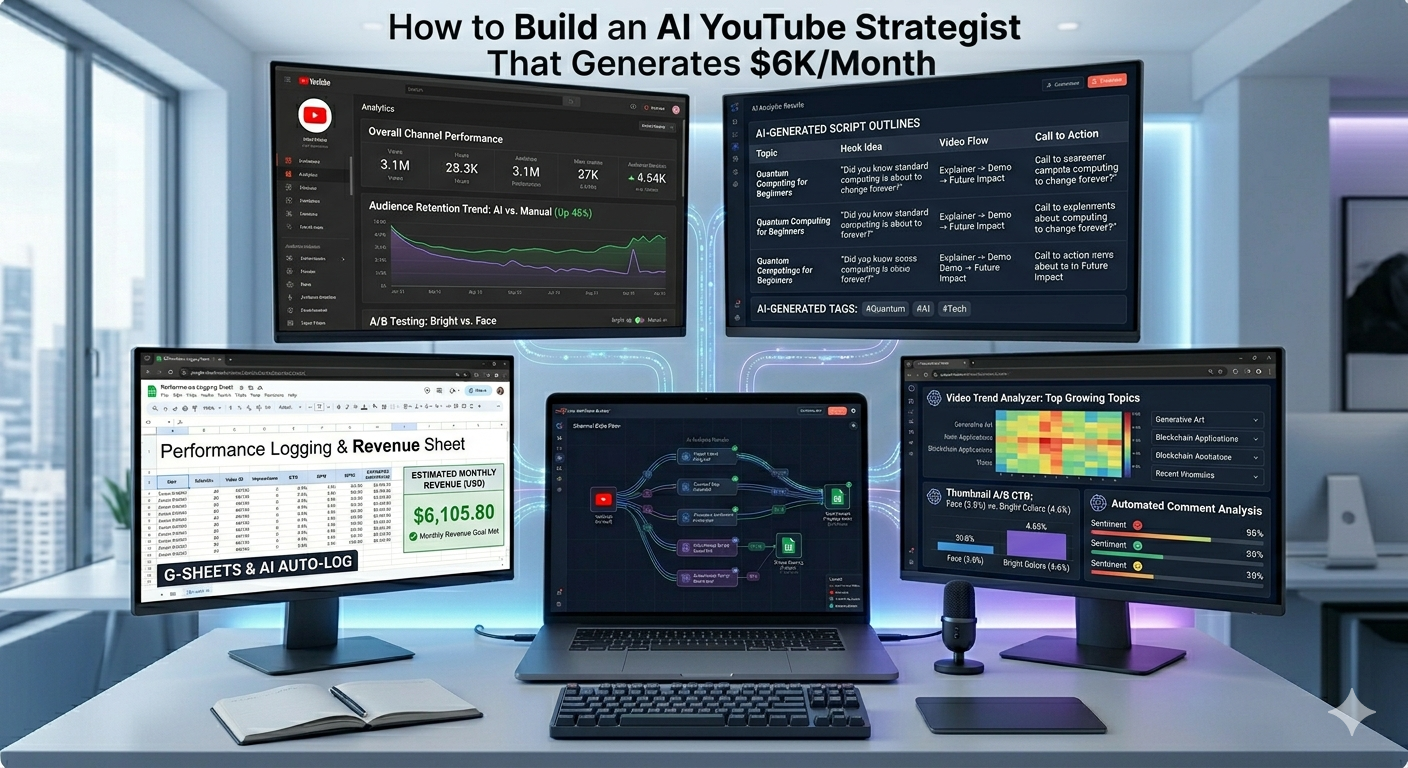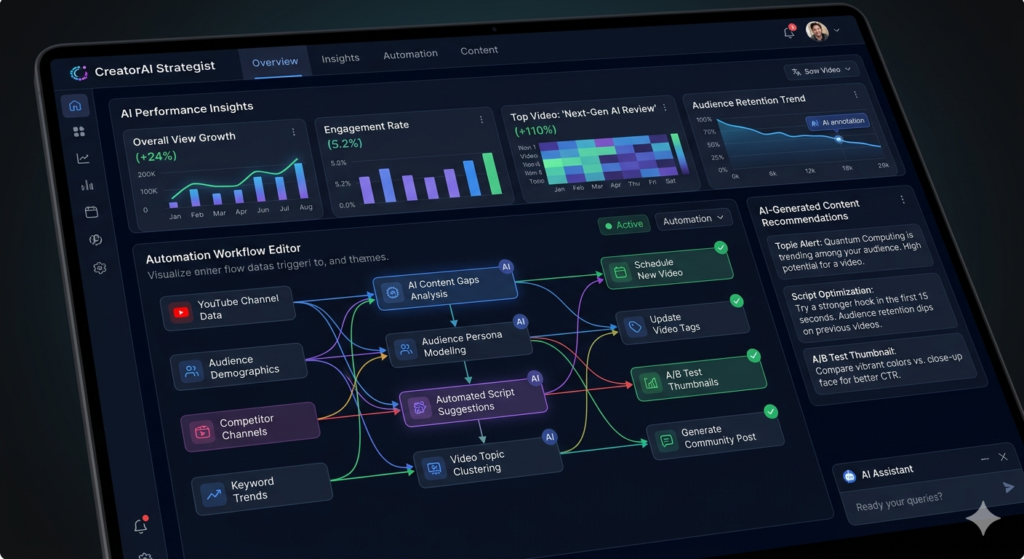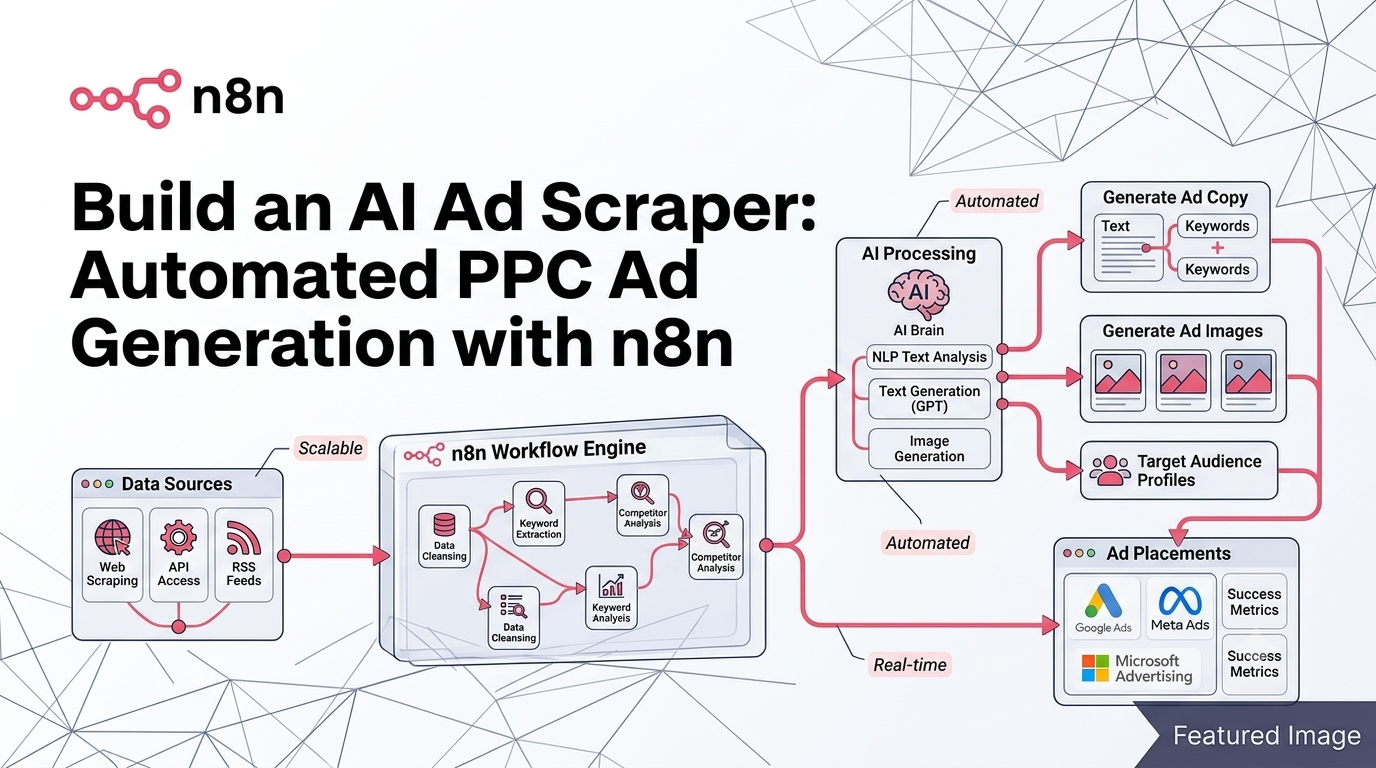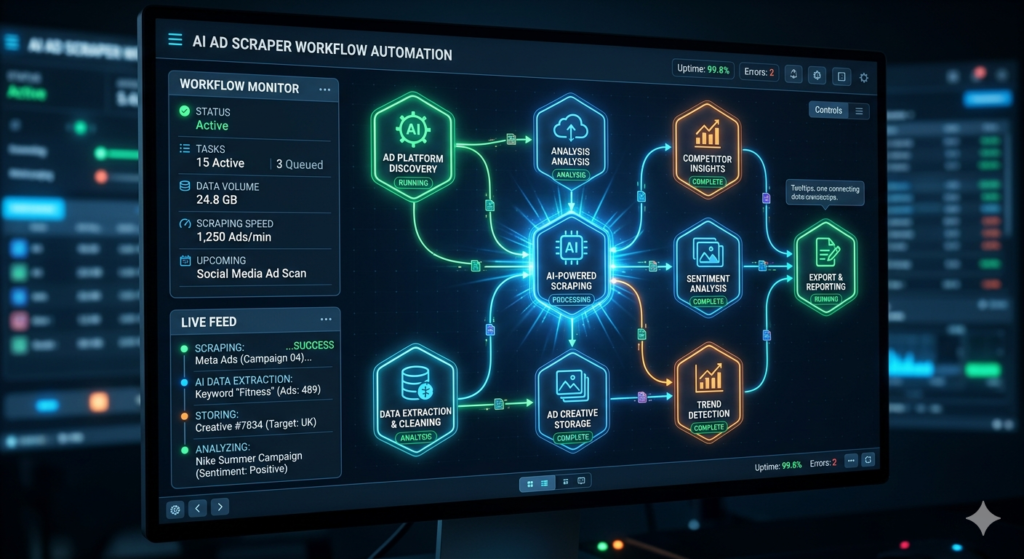
Creating consistent, high-quality long-form video content is time-consuming—but it doesn’t have to be. In this comprehensive guide, I’ll walk you through exactly How I 100% Automated Long Form Content with n8n, transforming a simple Google Sheet into a fully automated YouTube content engine. By leveraging AI agents, the JSON to Video API, and smart workflow orchestration, you can generate ranking-style videos completely hands-free.
The Complete Automation Workflow Overview
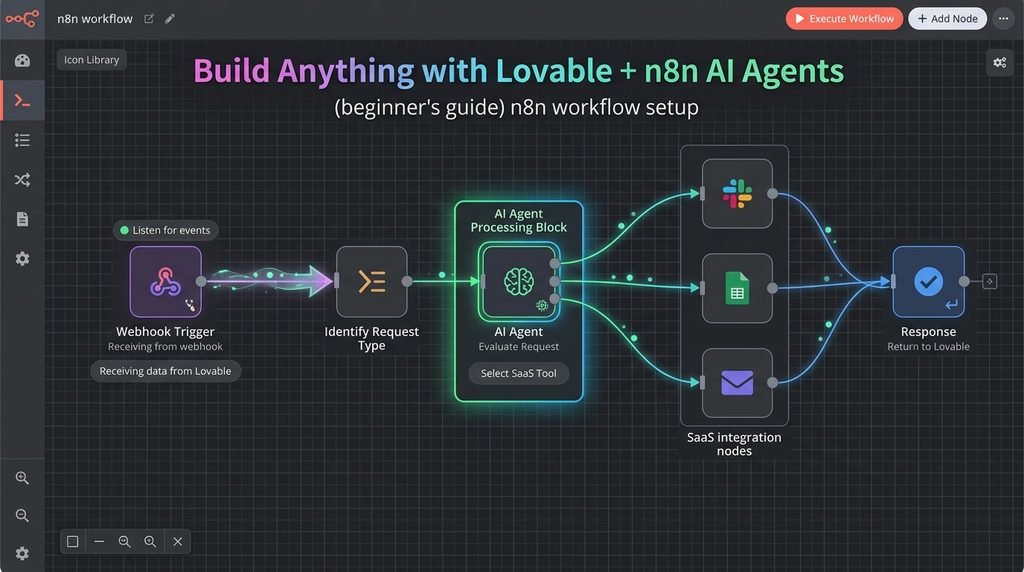
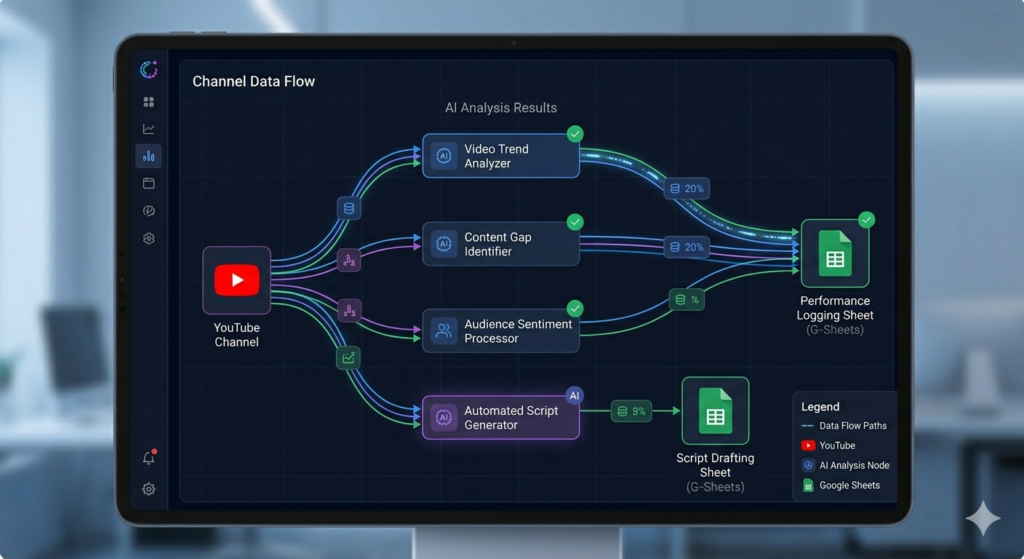
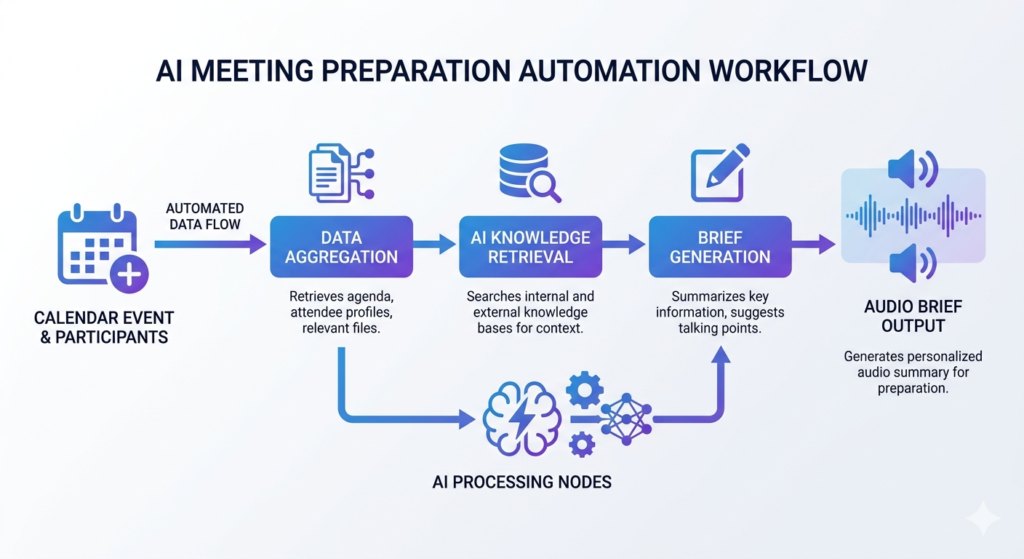
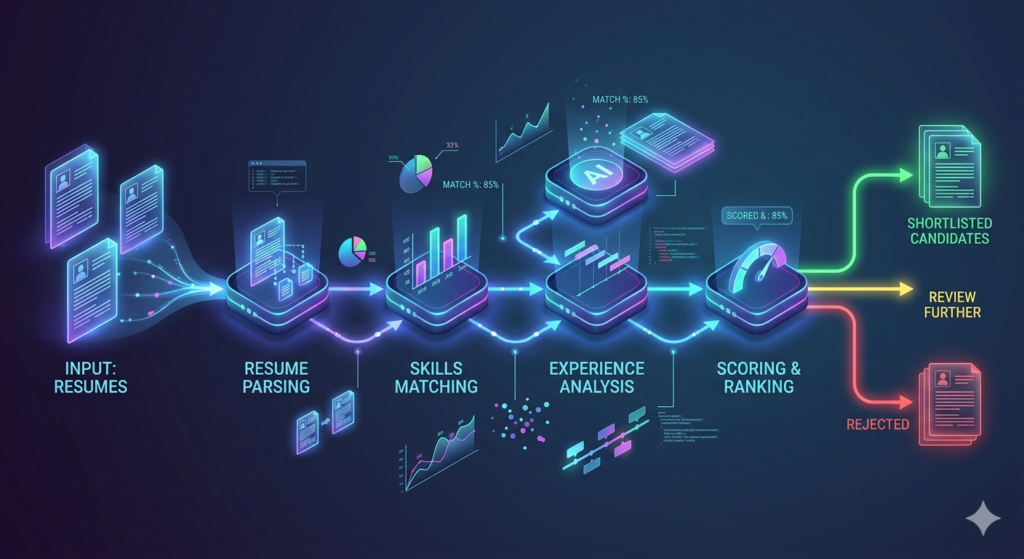
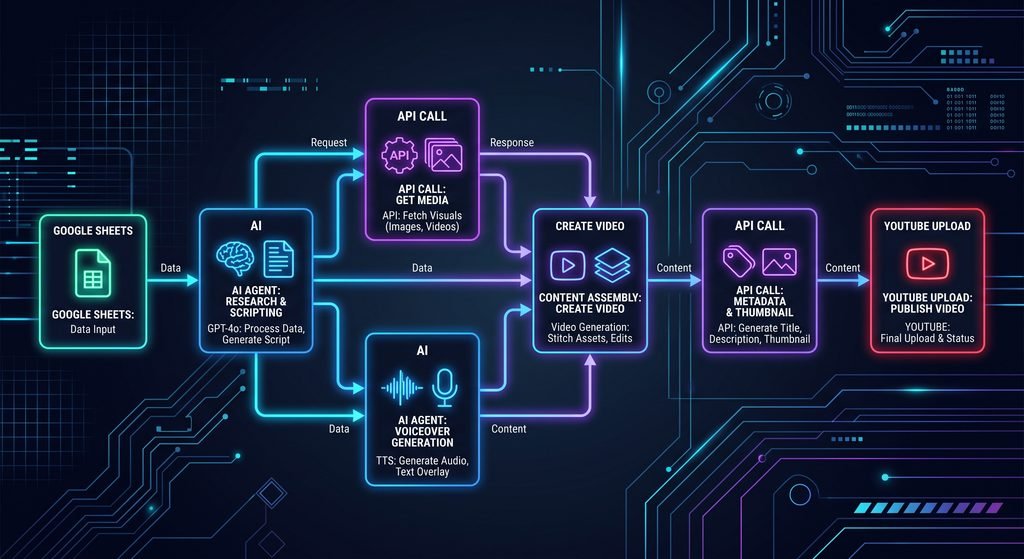
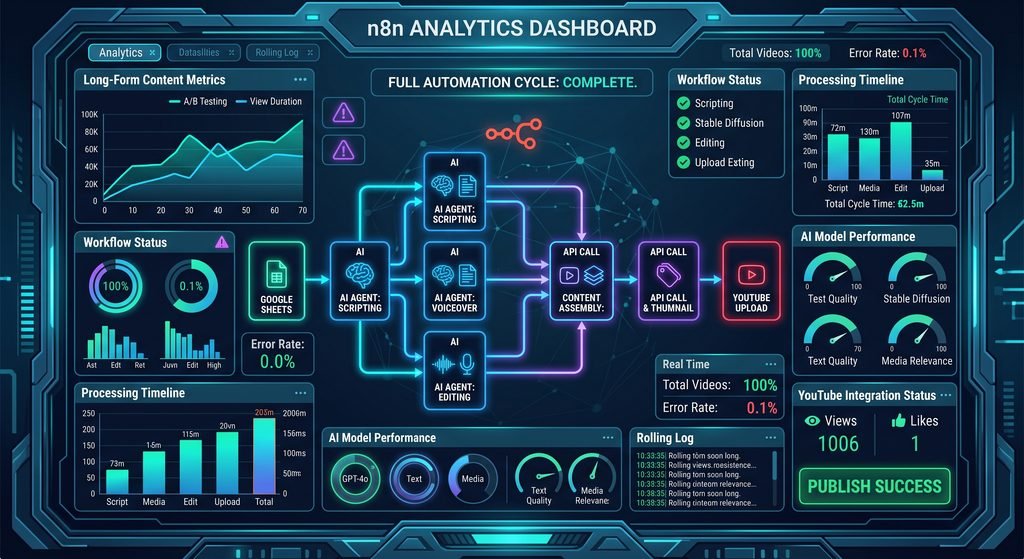
At its core, this automation system uses n8n—a powerful, open-source workflow automation tool—to connect multiple services into a seamless content creation pipeline. The process begins with a Google Sheet that stores video ideas and tracks their creation status. When a row is marked “to-do,” n8n triggers a series of AI-powered agents to generate scripts, image prompts, and rankings, then sends everything to the JSON to Video API for final rendering and YouTube publishing.
Key components of the workflow include:
- Google Sheets: Acts as the central database for video ideas and status tracking
- AI Agents (via OpenRouter): Generate intros, outros, and ranked content with structured JSON output
- JSON to Video API: Handles image generation, voiceover synthesis, and video rendering in one step
- YouTube Data API: Automatically uploads finished videos with titles, descriptions, and metadata
This approach eliminates manual scripting, editing, and uploading—freeing you to focus on strategy and growth.
How I 100% Automated Long Form Content with n8n: Step-by-Step Setup
Setting Up Your Google Sheets Template
Your Google Sheet is the brain of the operation. Create columns for:
- Subject: The video topic (e.g., “Classic Movie Characters”)
- Creation Status: Tracks progress (“to-do” or “created”)
- Video URL: Stores the final YouTube link post-publishing
- Posting Status: Indicates upload state (“to-do” or “unlisted”)
The workflow filters for rows where “Creation Status” equals “to-do” and processes only the first matching entry to avoid duplicates. You can also add an optional “Idea Generator” tab that uses a lightweight AI model to populate 10 new topic ideas automatically—making the system truly hands-off.
[Internal Link: Download our free Google Sheets template for content automation – aitoolsupdates.net/n8n-templates]
Configuring AI Agents for Intro, Outro & Rankings
Two specialized AI agents handle content generation via OpenRouter. The first agent creates the intro and outro scripts plus corresponding image prompts. The second “Ranker” agent generates the top 10 list items, each with:
- Concise voiceover text (2-3 sentences max)
- Detailed AI image prompt
- Lower-third text for on-screen titles
Both agents use structured output parsing to return clean JSON fields, ensuring reliable data flow to the video rendering API. This segmentation improves output quality and makes debugging easier than using a single monolithic prompt.
[Link: OpenRouter Documentation – https://openrouter.ai/docs]
Integrating JSON to Video API for Rendering
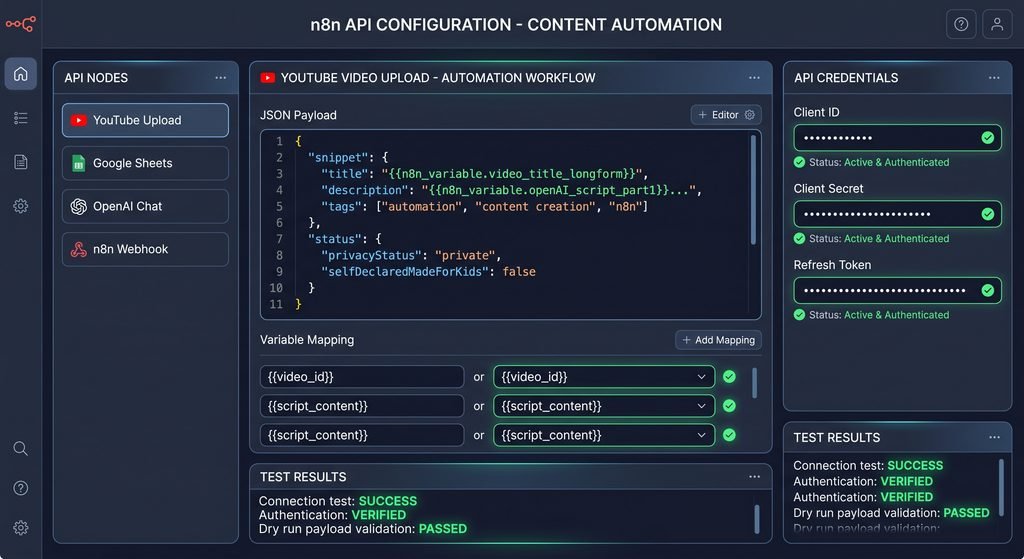
Instead of chaining multiple services for image generation, voice synthesis, and video assembly, this workflow uses the JSON to Video API to handle everything in one call. You’ll need to:
- Obtain your API key from JSON to Video
- Configure n8n credentials with the
x-api-keyheader - Map all script elements, image prompts, voice settings, and template variables into the POST request body
The API supports custom templates, so you can pre-define a “Top 10 Ranking” layout with placeholders for titles, voiceovers, and AI-generated visuals. For voice, connect your own ElevenLabs account via JSON to Video’s connections panel to use your preferred voice ID and manage credits efficiently.
Advanced Features: Polling, Error Handling & YouTube Publishing
Smart Polling for Video Rendering
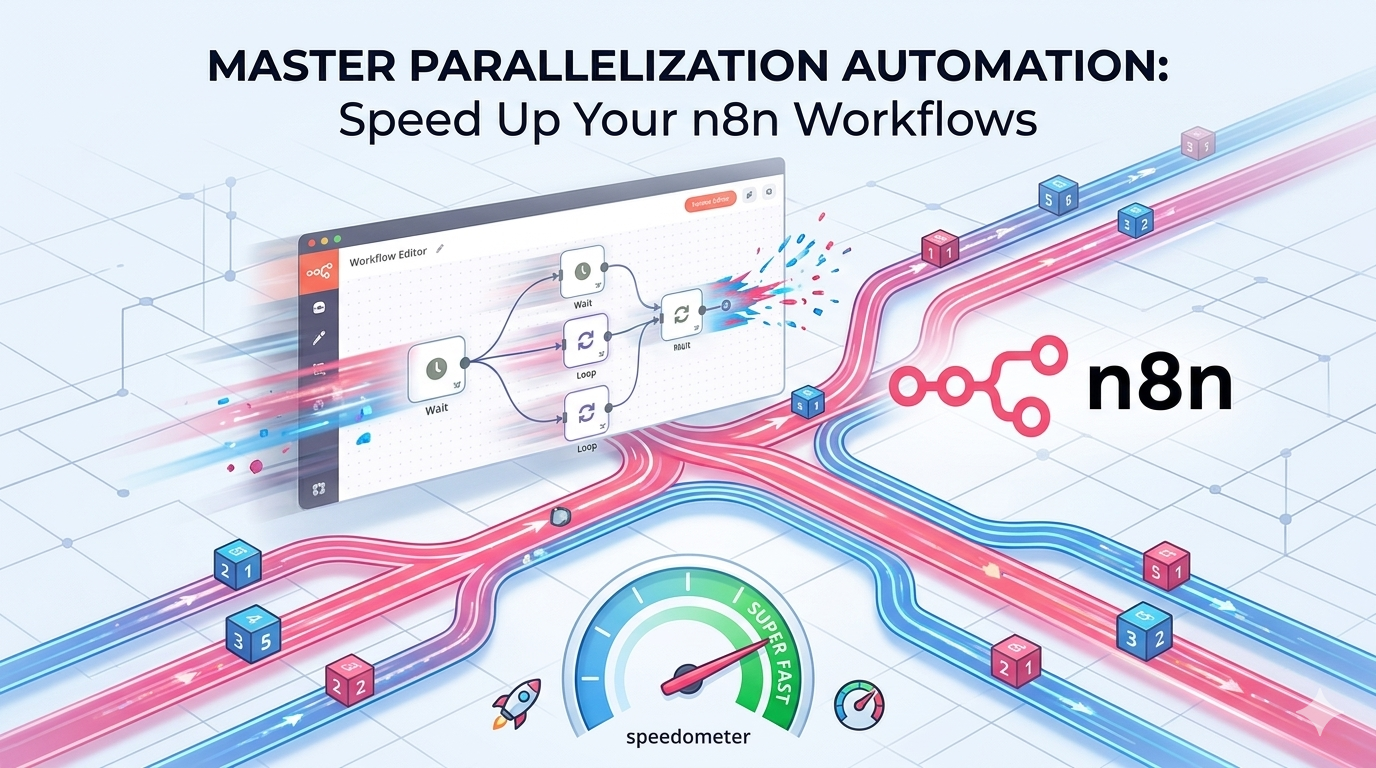
Since video rendering takes 2-3 minutes, the workflow implements a polling strategy using n8n’s Wait node and Switch logic:
- After submitting the render request, wait 150 seconds initially
- Check the project status via GET request every 10 seconds
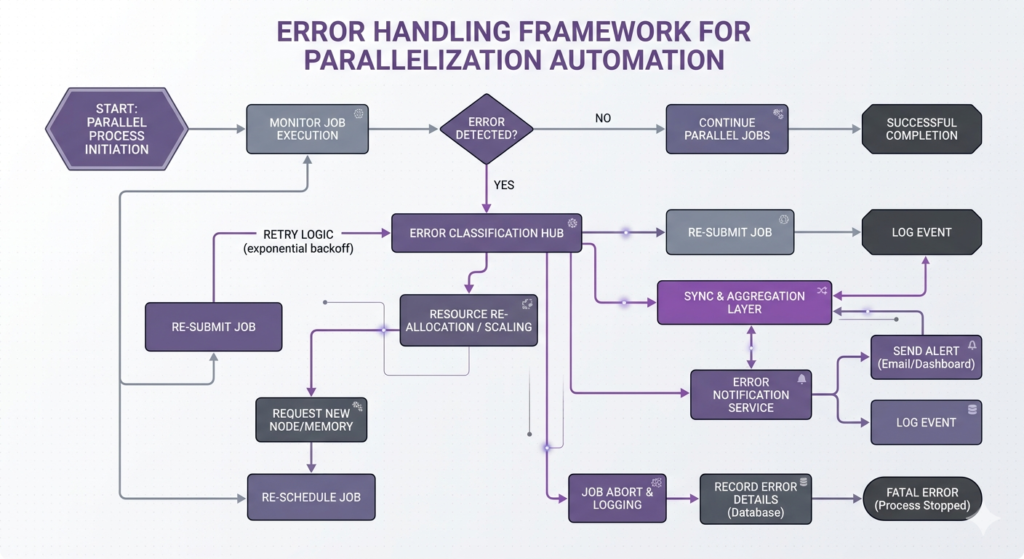
- Route based on status: “done” proceeds to upload, “error” logs failure, “running/preparing” loops back to wait
This ensures reliability without manual intervention, even if rendering times vary.
Automated YouTube Upload with Metadata
Once the video URL is retrieved, n8n downloads the binary file and uploads it to YouTube via the Data API v3. The workflow automatically:
- Sets the title using the format “Top 10: [Subject]”
- Populates the description with a standardized call-to-action
- Marks the video as “unlisted” for manual review before public release
- Updates the Google Sheet with the final video URL and status
[Internal Link: Master YouTube API integration for automation – aitoolsupdates.net/youtube-automation]
Pricing Breakdown & Optimization Tips
Understanding costs is critical for scaling this automation:
- JSON to Video: Free tier includes 600 seconds of rendering; paid plans start at $29/month for higher volumes
- ElevenLabs: Connect your own account to use existing credits, or use JSON to Video’s proxy (higher credit cost)
- Image Models: Flux Schnell or Freepik Classic incur no extra credits; Flux Pro adds ~20 credits per image
Pro tip: Start with free-tier models and upgrade only after validating your content’s performance. You can also reduce costs by generating shorter videos or batching multiple renders during off-peak hours.
[Link: JSON to Video Pricing & API Docs – https://json2video.com/docs]
How I 100% Automated Long Form Content with n8n: Next Steps
Now that you understand the architecture, you can customize this workflow for your niche:
- Add web search nodes to pull real-time data for research-backed rankings
- Adjust the agent prompts for different formats (top 5, listicles, tutorials)
- Swap JSON to Video for other rendering APIs if needed
- Implement analytics tracking to measure video performance automatically
The complete n8n workflow JSON and Google Sheets template are available for free in our community resources. Simply import the JSON into your n8n instance, connect your API credentials, and start automating.
Conclusion: Scale Your Content Without Scaling Your Workload
Automating long-form video creation isn’t just a time-saver—it’s a strategic advantage. By implementing How I 100% Automated Long Form Content with n8n, you transform sporadic content efforts into a predictable, scalable system. The combination of structured AI prompting, robust API integration, and intelligent workflow logic means you can publish high-quality ranking videos while focusing on audience growth and monetization.
Ready to build your own hands-free content engine? Start with the free resources linked above, experiment with one niche, and iterate based on performance data. The future of content creation is automated—and with n8n, it’s accessible today.