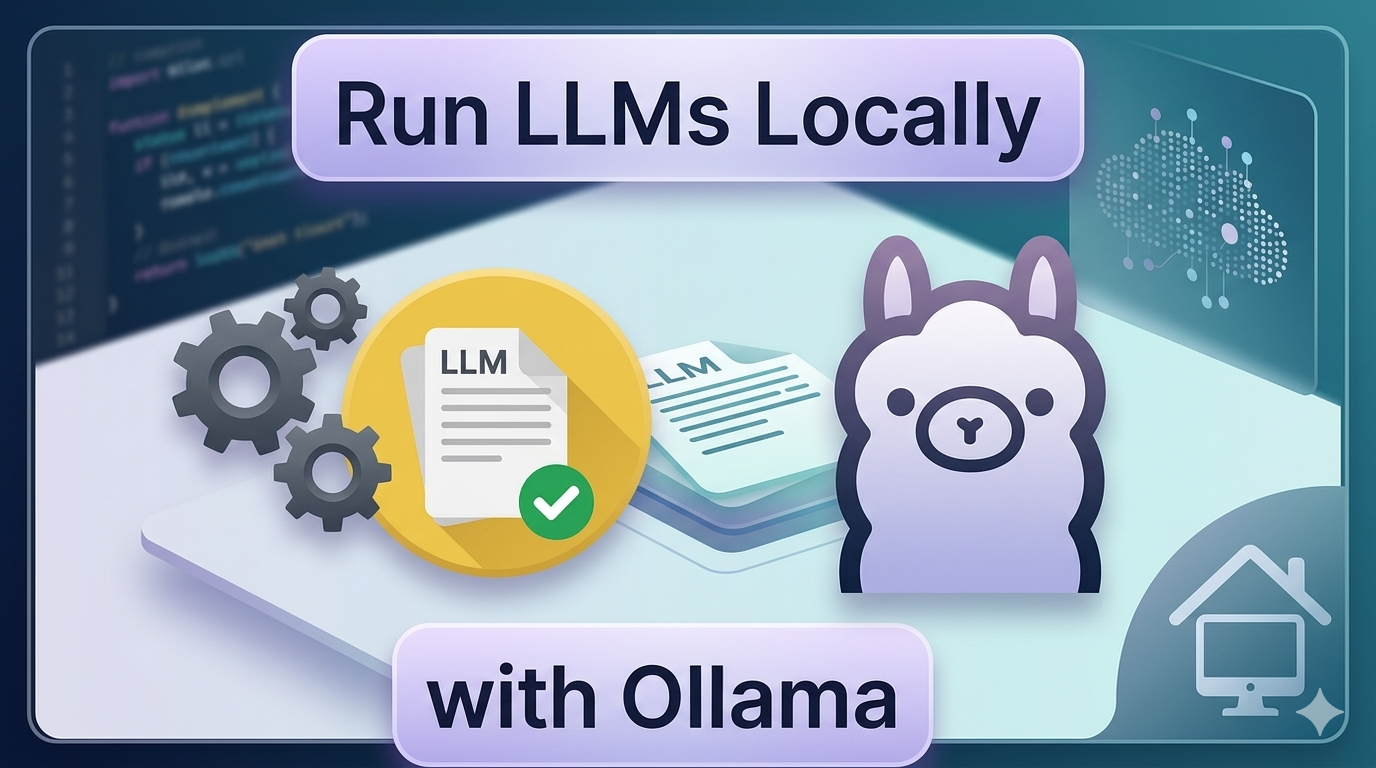
In 2026, data sovereignty and edge AI have become non-negotiable priorities for developers, enterprises, and privacy advocates worldwide. Ollama has evolved into the definitive solution for running large language models (LLMs) locally—a free, open-source platform that empowers you to deploy cutting-edge AI directly on your hardware, eliminating dependency on cloud APIs, subscription fees, or third-party data handling .
With Ollama’s 2026 enhancements, you gain unprecedented control: enhanced model optimization, multi-GPU support, streamlined API workflows, and seamless integration with modern development stacks—all while maintaining complete privacy, zero latency, and unlimited usage. This updated guide walks you through installation, advanced integrations, custom model creation, and best practices tailored for today’s hardware and AI landscape.
Why Ollama Dominates Local AI in 2026
Ollama has matured into the most developer-friendly framework for local LLM deployment . Here’s why it remains the top choice in 2026:
Enterprise-Grade Privacy & Compliance
Running LLMs locally with Ollama ensures your data never traverses public networks. This is critical for compliance with evolving global regulations like GDPR-2, AI Act implementations, and industry-specific standards in healthcare, finance, and legal sectors .
Zero-Cost, Unlimited AI Access
Forget usage caps, token limits, or monthly bills. Ollama remains 100% free and open-source, giving you unrestricted access to state-of-the-art models without recurring costs .
Sub-100ms Local Inference
Thanks to 2026 optimizations—including KV cache improvements, speculative decoding, and hardware-aware quantization—local inference now rivals or exceeds cloud latency for most use cases.
True Offline-First Capability
Work seamlessly in air-gapped environments, remote locations, or during network outages. Your AI assistant is always available, always responsive .
Expanded Model Ecosystem
The Ollama Model Library now hosts 2,000+ optimized models, including:
- Next-generation foundation models (Llama 4, Mistral-Nemo, Gemma 3)
- Domain-specialized models (medical, legal, engineering, education)
- Multimodal models supporting image, audio, video, and sensor data
- Efficient “tiny” models designed for edge devices and mobile deployment
Getting Started: Installing Ollama in 2026
Step 1: Download the Latest Version
Visit ollama.com (now with enhanced model discovery and one-click installers). Ollama supports:
- Windows 11/12: Native ARM64 and x64 installers with WSL2 integration
- macOS 14+: Universal binaries optimized for Apple Silicon (M3/M4 series)
- Linux: One-line installer with systemd service management and Docker support
- WSL2 & Containers: First-class support for development environments
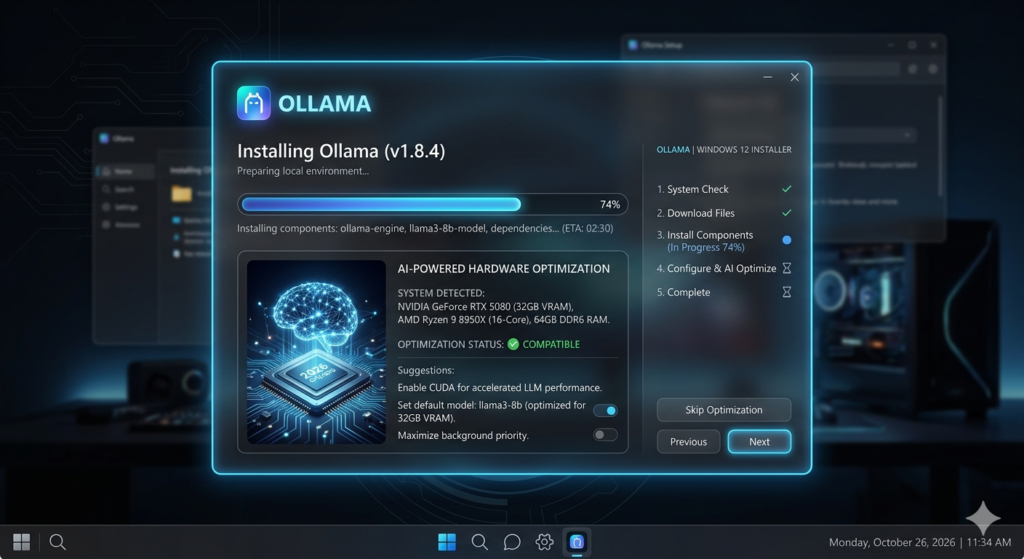
Step 2: Streamlined Installation
The 2026 installer features:
- Automatic hardware detection (CPU/GPU/NPU)
- Optional CUDA, Metal, or ROCm backend selection
- Integrated model cache management
- Background service configuration
Step 3: Verify & Update
Open your terminal and run:
bash12
You’ll see version information and available updates. Ollama now supports automatic background updates for security patches and performance improvements .
Running Your First AI Model in 2026
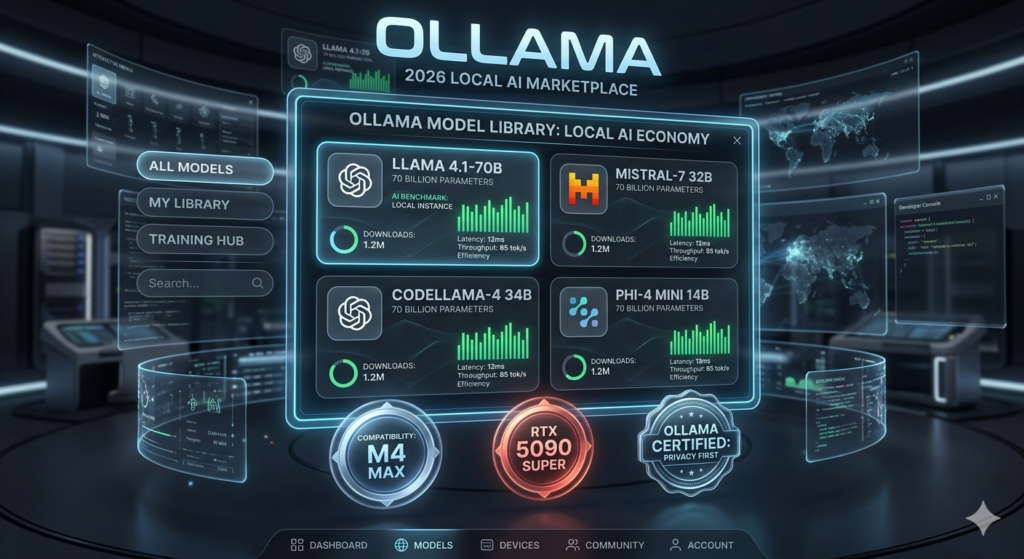
Discover Models with Enhanced Library
Navigate to ollama.com/library—now featuring:
- Advanced filtering (by task, language, license, hardware requirements)
- Community ratings and benchmark comparisons
- One-click “Try in Browser” sandbox for supported models
- Direct integration with Hugging Face and ModelScope
Smart Hardware Recommendations
Ollama 2026 includes an intelligent hardware profiler. Before downloading, run:
bash1
This analyzes your system and suggests optimal quantization levels, batch sizes, and execution backends.
Typical 2026 Requirements:
| Model | Storage | RAM (Min) | Recommended GPU |
|---|---|---|---|
| Llama 4 8B | 5.2 GB | 8 GB | Integrated GPU / NPU |
| Mistral-Nemo 12B | 7.8 GB | 16 GB | RTX 4060 / M3 Pro |
| Llama 4 70B (Q4) | 42 GB | 48 GB | RTX 4090 / M4 Max |
| Gemma 3 27B | 16 GB | 32 GB | RTX 4070 Ti / M3 Max |
Note: Quantized models (Q4_K_M) offer 95% accuracy at 40% size—ideal for most local deployments .
Download & Run with Enhanced UX
bash1
New in 2026:
- Progressive loading: Start chatting while model downloads remaining layers
- Auto-fallback: Switches to CPU if GPU memory is insufficient
- Conversation persistence: Chats auto-save and sync across devices (optional)
Pro Tip: Use /help inside chat for new commands like /export, /benchmark, or /switch-model.
Advanced Model Management
bash1234567891011
Integrating Ollama with Modern Applications (2026)
Enhanced HTTP API & WebSockets
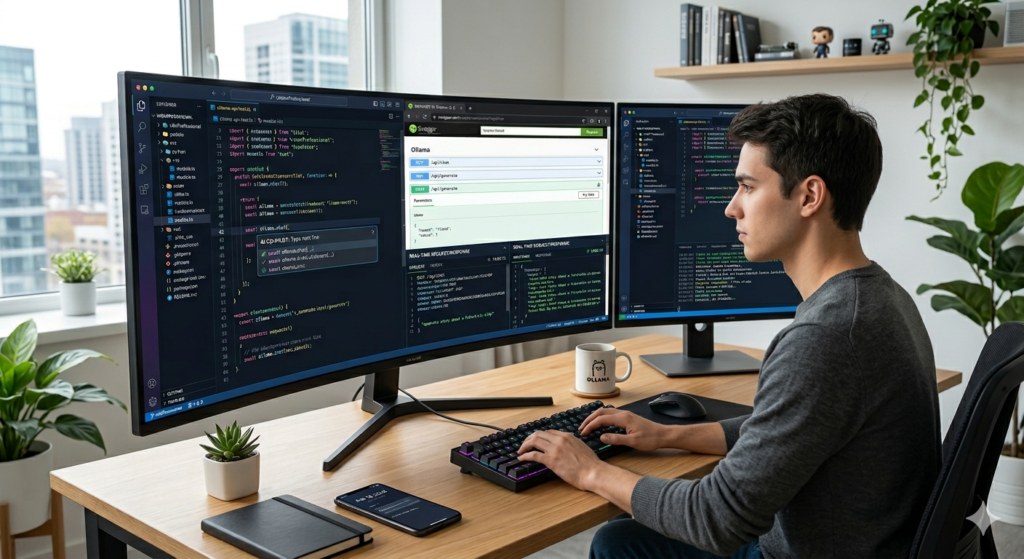
Ollama’s API now supports:
- REST endpoints:
/api/chat,/api/generate,/api/embed - WebSocket streaming: Real-time token streaming for chat UIs
- gRPC interface: For high-performance microservices
- OpenAPI 3.1 spec: Auto-generated docs at
http://localhost:11434/docs
Start the server manually (if needed):
bash1
Python Integration: Official Client v2.0
Install the enhanced client:
bash1
Example with async streaming and structured outputs:
python1234567891011121314151617
JavaScript/TypeScript Support
bash1
typescript1234567891011
Framework Integrations
Ollama now offers official plugins for:
- LangChain 2026:
from langchain_ollama import ChatOllama - LlamaIndex: Vector store + local inference pipelines
- Next.js App Router: Edge-compatible local AI hooks
- FastAPI: Auto-documentation for AI endpoints
Creating Custom AI Models: 2026 Modelfile Syntax
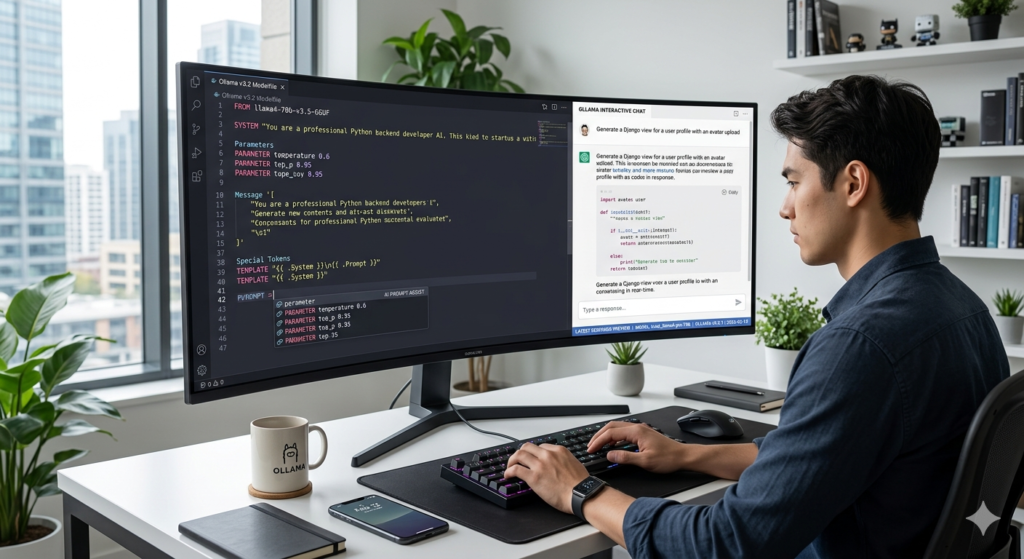
Enhanced Modelfile Capabilities
Modelfiles now support:
- Multi-stage inheritance (
FROM+MERGE) - Dynamic system prompts with variable injection
- Tool/function calling definitions
- Safety guardrails and content filters
Example: Customer Support Assistant
Modelfile:
12345678910111213141516171819202122
Build & Deploy:
bash12
Deploy Custom Models at Scale
New in 2026:
bash12345678
Best Practices for Local LLMs in 2026
Performance Optimization
- Use NPU acceleration: Apple Neural Engine, Qualcomm Hexagon, or Intel NPU for 3-5x efficiency gains
- Enable memory pooling:
OLLAMA_NUM_PARALLEL=4for concurrent requests - Leverage model caching: Frequently used models stay in VRAM for instant access
- Quantize strategically: Q4_K_M offers best accuracy/size balance for most tasks
Security Hardening
- Run Ollama in a dedicated user account or container
- Use
--api-keyfor authenticated API access in production - Enable audit logging:
OLLAMA_LOG_LEVEL=debug - Regularly scan models with
ollama scan <model>(new security feature)
Sustainable AI Practices
- Prefer smaller, efficient models for routine tasks
- Use scheduled inference windows to align with renewable energy availability
- Monitor power usage with
ollama stats --power
Real-World Use Cases in 2026
Edge AI & IoT
- Run vision-language models on Raspberry Pi 5 + Coral TPU for smart cameras
- Deploy localized assistants on industrial equipment for predictive maintenance
Healthcare & Research
- Fine-tune medical models on de-identified local datasets
- Ensure HIPAA/GDPR compliance by keeping patient data on-premises
Education & Accessibility
- Offline AI tutors for remote schools with limited connectivity
- Real-time translation and transcription models for multilingual classrooms
Creative Professionals
- Local AI for scriptwriting, design ideation, and content editing without cloud dependency
- Custom style models trained on personal portfolios
Troubleshooting: 2026 Quick Reference
| Issue | Solution |
|---|---|
| Model download stalled | ollama pull <model> --resume or check ~/.ollama/logs/ |
| GPU not detected | Update drivers; run ollama doctor for diagnostics |
| High memory usage | Use --num-gpu-layers 20 to balance CPU/GPU load |
| API timeout | Increase OLLAMA_KEEP_ALIVE=10m for long-running sessions |
| Model accuracy drop | Try less aggressive quantization: :Q5_K_M instead of :Q4_K_M |
Run ollama doctor (new in 2026) for automated system checks and fix suggestions.
Conclusion: Own Your AI Future in 2026
Ollama has matured from a developer tool into a comprehensive platform for sovereign, efficient, and ethical AI deployment. In 2026, running LLMs locally isn’t just possible—it’s preferable for performance, privacy, and cost.
Whether you’re building the next breakthrough application, protecting sensitive enterprise data, or simply exploring AI without compromises, Ollama gives you the freedom to innovate on your terms. With continuous improvements in model efficiency, hardware support, and developer experience, there’s never been a better time to bring AI home.
Ready to lead the local AI revolution?
→ Download Ollama 2026: ollama.com
→ Explore models: ollama.com/library
→ Join the community: GitHub • Discord • Forum
Your private, powerful, and future-proof AI starts with a single command.
Call to Action:
What will you build with local AI in 2026? Share your Ollama projects in the comments, subscribe for cutting-edge AI tutorials, and download our free Local LLM Optimization Checklist (link in description)!
Leave a Reply