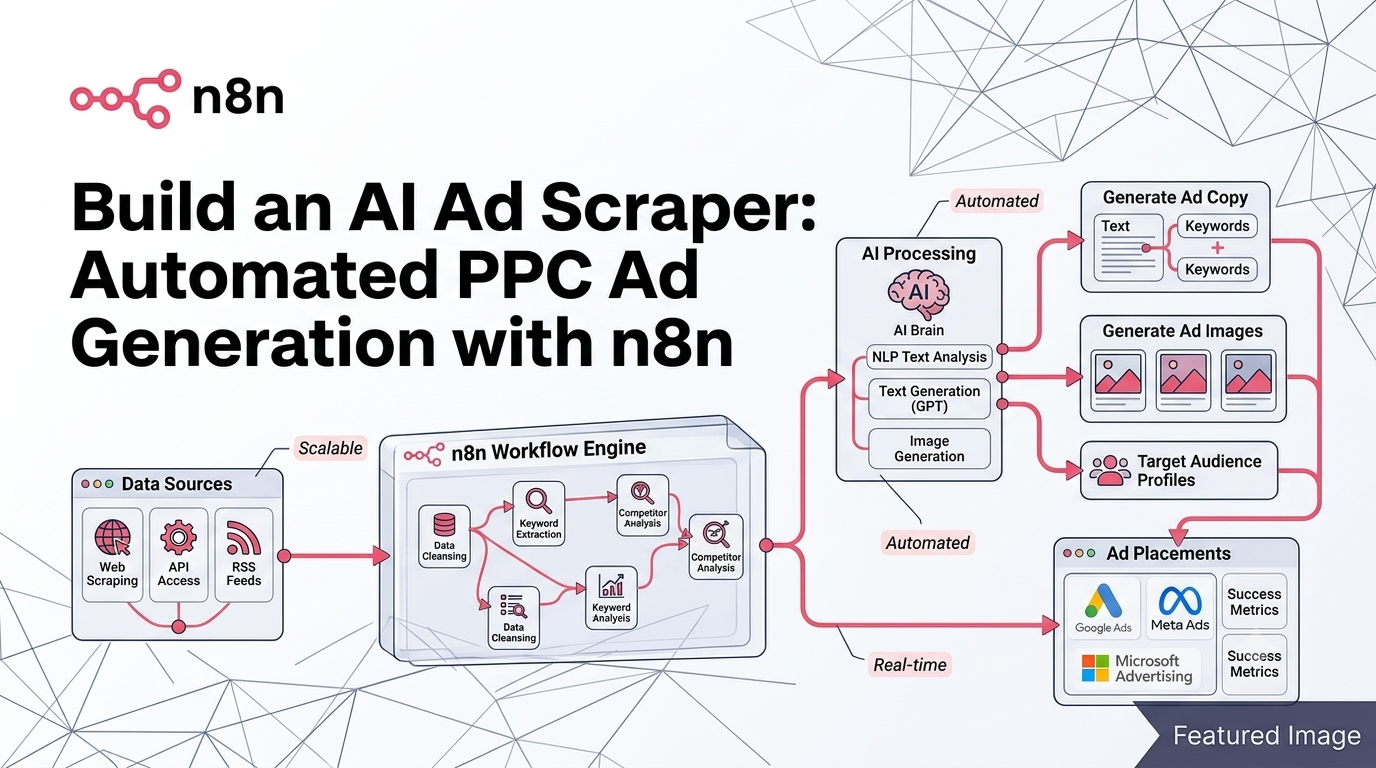
The AI ad scraper is revolutionizing how PPC agencies and growth marketers source, analyze, and recreate high-performing ad creatives. By combining workflow automation platforms like n8n with powerful APIs from Apify and OpenAI, you can build a fully autonomous system that scrapes competitor ads, analyzes visual elements, spins creative variations, and outputs ready-to-test assets—all without manual intervention. In this guide, we’ll walk through the exact architecture of an end-to-end AI ad scraper system, so you can replicate it for your own campaigns or client work.
What Is an AI Ad Scraper System?
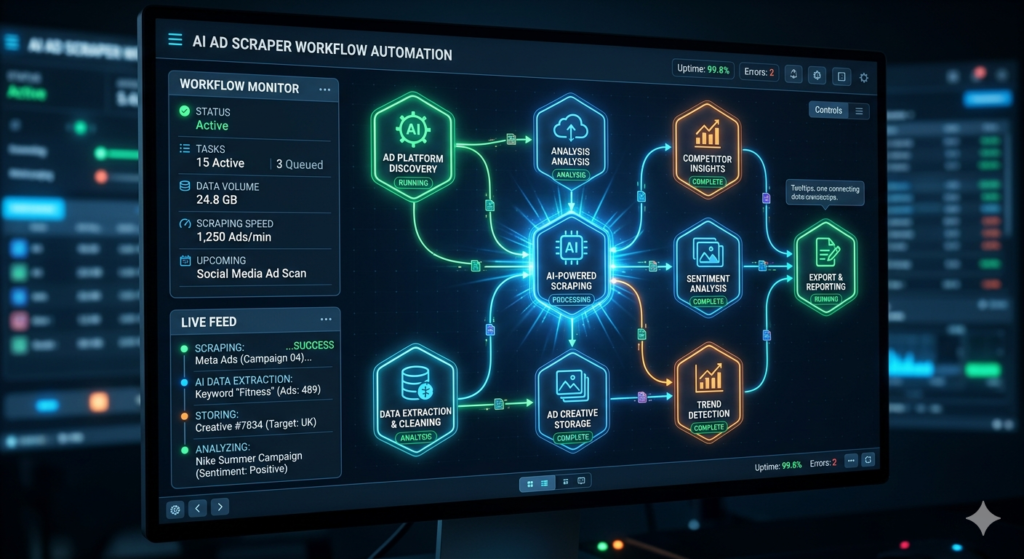
An AI ad scraper isn’t just a simple data extraction tool—it’s an intelligent pipeline that transforms public ad library data into actionable creative assets. The system leverages regulatory-compliant ad repositories (like Meta’s Ad Library) to source live advertisements, then uses computer vision and generative AI to deconstruct and reimagine those creatives. This approach allows marketing teams to rapidly prototype dozens of ad variants based on proven performers, dramatically reducing the time spent on creative brainstorming and manual design work.
The core value proposition? Instead of manually browsing competitor ads, screenshotting winners, and briefing designers, your AI ad scraper handles the entire workflow: discovery → analysis → variation → organization. This is especially powerful for agencies managing multiple clients or in-house teams scaling paid social campaigns across platforms.
Key Components of the Workflow
Scraping Ads with Apify
The foundation of any effective AI ad scraper is reliable data ingestion. Apify, a marketplace for web scrapers and automation actors, provides pre-built solutions for extracting ads from Meta, Google, LinkedIn, and more. By calling Apify’s API via an HTTP request node in n8n, you can programmatically submit search terms (e.g., “marketing agency,” “SaaS onboarding”) and retrieve structured JSON containing ad creatives, copy, impression counts, and direct image URLs.
Pro tip: Always filter results to static images initially, as video ad recreation remains less reliable with current generative models. Use n8n’s Filter node to discard non-image records before proceeding to downstream processing.
Apify API Documentation – https://docs.apify.com
Image Analysis with OpenAI Vision
Once images are downloaded and uploaded to a private Google Drive folder, the next step is semantic analysis. Using OpenAI’s vision-capable models (like GPT-4o), the system prompts the AI to “describe this image comprehensively, leaving nothing out.” This generates a detailed textual representation of visual elements: color palettes, layout structure, text overlays, product placement, and stylistic cues.
This description becomes the foundation for creative variation. Rather than guessing what makes an ad effective, you now have an AI-generated brief that captures the essence of high-performing creatives—ready for strategic iteration.
Prompt Spinning for Creative Variations
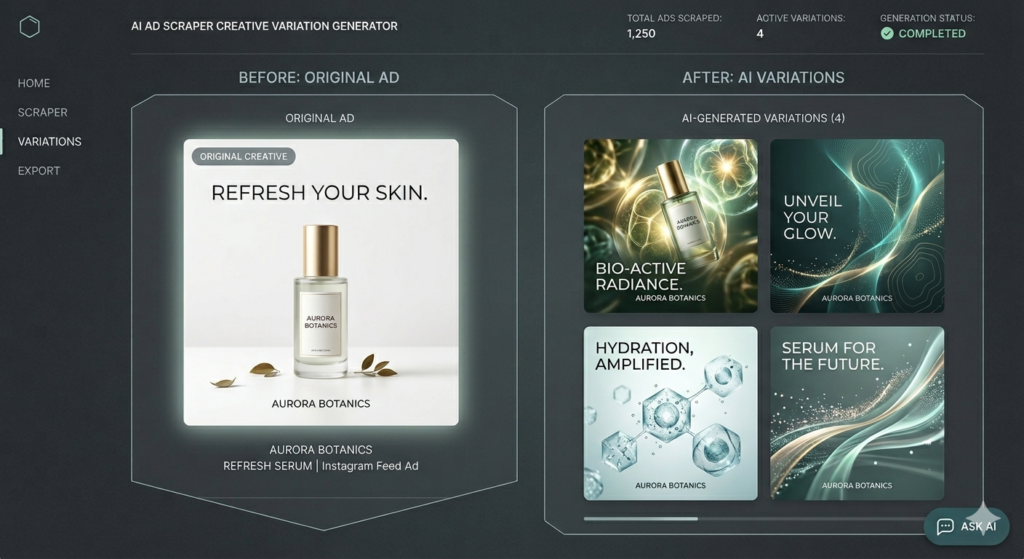
“Spinning” is a classic copywriting technique adapted for generative AI: take a base description and systematically alter key variables to produce novel outputs. In our AI ad scraper, a dedicated OpenAI node receives the image description and a change-request template (e.g., “Make the background bright blue ultra-maximalist style; replace text with ‘Get Your AI Automation Today’”). The model then outputs 3–5 distinct prompt variants, each preserving core messaging while exploring new visual directions.
This step is where scalability happens. Instead of manually briefing a designer for each variant, your system auto-generates diverse creative directions ready for image synthesis.
Setting Up Your n8n Automation
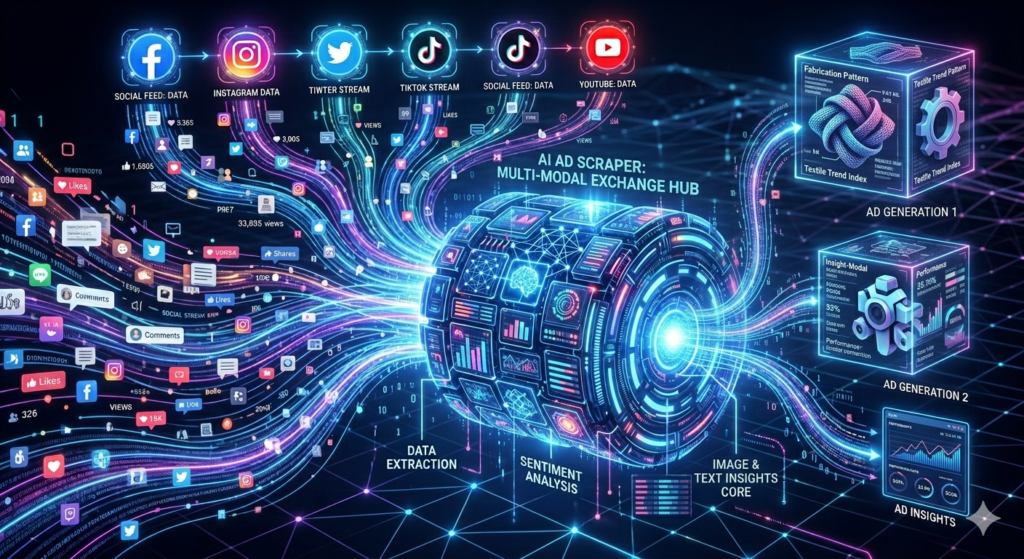
Building this workflow in n8n requires careful node sequencing and error handling. Start with a trigger (manual or scheduled), then chain these core modules:
- HTTP Request Node: Call Apify’s “run actor synchronously” endpoint with your API token and target URL.
- Filter Node: Remove records missing
originalImageUrlto avoid broken downstream steps. - Google Drive Nodes:
- Create a master folder for the campaign
- Upload source images to a
/sourcesubfolder - Share files publicly (temporarily) for OpenAI access
- OpenAI Nodes:
- Vision analysis for image description
- Text generation for prompt spinning
- Image Generation Loop: Use n8n’s “Loop Over Items” to process each spun prompt through OpenAI’s image edit endpoint, adding a 1-second wait between calls to respect rate limits.
- Final Organization: Upload generated assets to a
/spunsubfolder and append metadata to a Google Sheet for performance tracking.
n8n automation tutorials – https://aitoolsupdates.net/n8n-automation
Critical implementation notes:
- Use n8n’s “Set” node to store reusable variables (folder IDs, change-request templates)
- Pin test outputs during development to avoid re-running expensive API calls
- Always test with 2 items first—enough to validate multi-item handling without wasting tokens
Best Practices for AI-Generated Ad Variations
While automation accelerates creative production, human oversight remains essential. Here’s how to maximize quality:
- Control style via prompts: Define your brand’s visual language in the change-request template (e.g., “minimalist,” “bold gradients,” “user-generated aesthetic”).
- Batch generate, then curate: Produce 10–50 variants per source ad, then have a team member select top performers for A/B testing.
- Track performance systematically: Use the Google Sheet output to log which spun creatives drive clicks, conversions, or ROAS—feeding insights back into your prompt library.
- Stay compliant: Only scrape ads from public libraries; never use scraped assets directly without transformation.
OpenAI Image API Guide – https://platform.openai.com/docs/guides/images
Conclusion: Scale Your Creative Workflow with Confidence
An AI ad scraper built on n8n, Apify, and OpenAI isn’t just a technical curiosity—it’s a force multiplier for performance marketing teams. By automating the tedious parts of ad research and creative iteration, you free up strategic bandwidth for testing, optimization, and client strategy. And because the workflow is modular, you can adapt it for LinkedIn ads, e-commerce product creatives, or even local service promotions.
Ready to implement this system? Start small: scrape 10 ads for a single keyword, generate 3 variants each, and measure engagement against your baseline. As you refine your prompt templates and folder structure, you’ll unlock compounding efficiency gains.
AI marketing tools – https://aitoolsupdates.net/ai-marketing-tools
The future of PPC isn’t just about bidding algorithms—it’s about creative agility. With an AI ad scraper in your toolkit, you’ll always have a pipeline of fresh, data-informed ad concepts ready to test, scale, and dominate your niche.
Leave a Reply