

“Autonomous AI automation platform dashboard showing visual workflow editor with connected nodes for Lindy”
Introduction: Beyond ChatGPT – Meet True AI Automation
Artificial intelligence has revolutionized how we work, but let’s be honest: ChatGPT and similar large language models aren’t truly autonomous assistants. They require constant prompting, manual input, and human oversight. They can’t independently execute tasks, connect to your calendar, or automate your workflow. This is where Lindy AI changes everything.
Lindy AI represents a paradigm shift in artificial intelligence – moving from conversational AI to autonomous AI agents that can actually do work for you. After months of development and a recent major 2.0 upgrade, this automation platform has emerged as the most powerful solution available today, enabling anyone to build custom AI agents that integrate with your favorite tools and execute complex workflows automatically.
Internal Link: Check out our complete guide to AI automation tools for 2024
What Makes This Platform Different from ChatGPT?
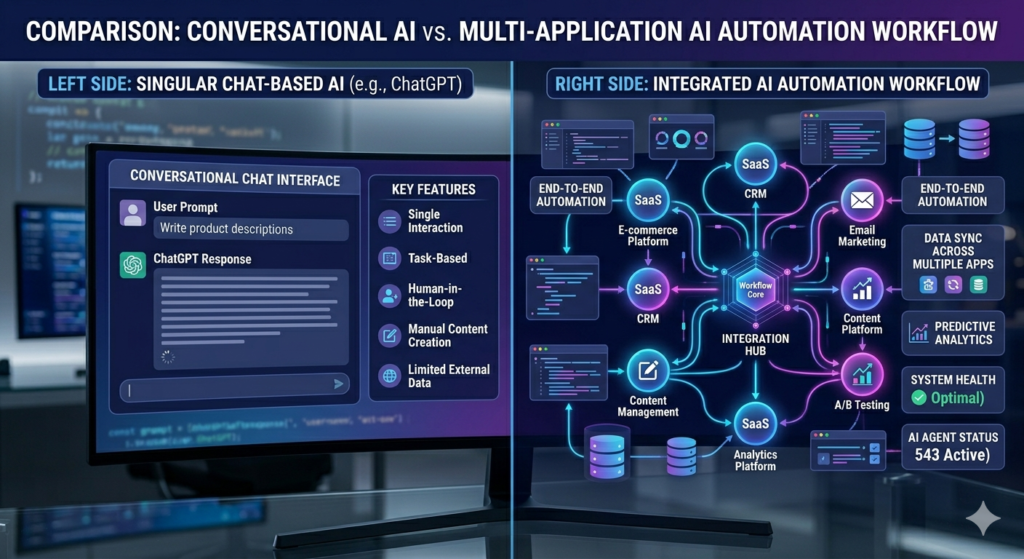
“AI automation platform vs traditional chatbot comparison showing autonomous capabilities”
The fundamental difference between this platform and traditional AI assistants lies in autonomy and integration. While ChatGPT waits for your prompts, autonomous agents can:
- Trigger automatically on schedules or events
- Connect to external applications like Google Calendar, Gmail, Slack, and hundreds more
- Execute multi-step workflows without human intervention
- Make decisions based on predefined conditions and jump logic
- Communicate with other AI agents to complete complex tasks
As the transcript reveals, “everything that you do with ChatGPT actually has to start with you.” This platform flips that model – you set it up once, and it works for you continuously.
Outbound Link: Learn more about autonomous AI agents from MIT Technology Review Internal Link: Read our comparison of the best workflow automation platforms
The Revolutionary Flow Editor for Visual Automation
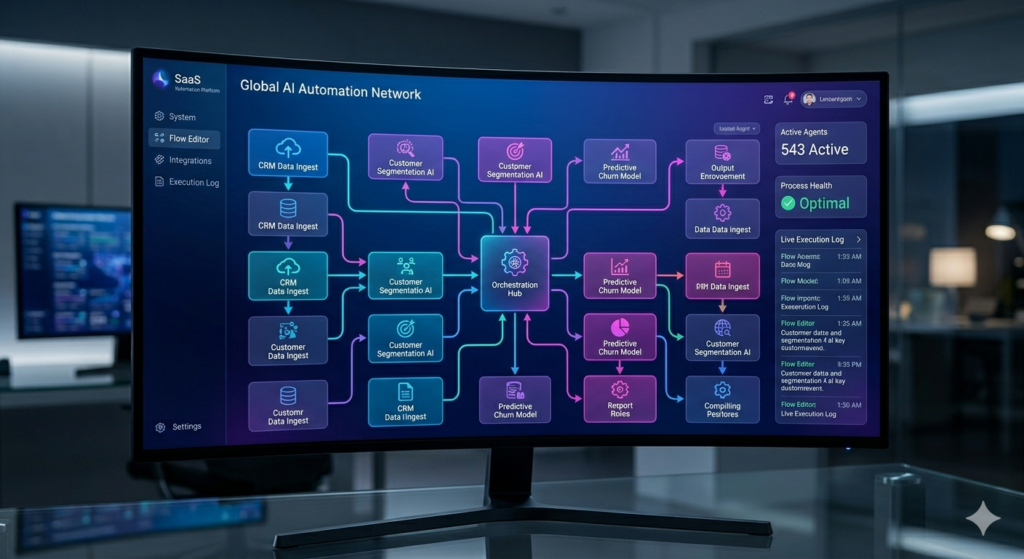
“Visual programming interface with drag-and-drop automation nodes for building AI workflows”
The crown jewel of the 2.0 upgrade is its intuitive Flow Editor – a visual programming interface that makes building complex automations accessible to everyone, regardless of technical background.
How the Visual Flow Editor Works
The Flow Editor uses a node-based system where each “node” represents a specific action or decision point:
- Trigger Nodes: Start your automation (scheduled time, user message, webhook)
- AI Agent Nodes: The brain that processes information and makes decisions
- Action Nodes: Execute tasks (send emails, update calendars, create documents)
- Condition Nodes: Create branching logic with “jump conditions”
Jump conditions are one of the most powerful features. They allow AI agents to determine when a task is complete and automatically move to the next step – a capability that previously required complex programming.
Internal Link: Explore our tutorial on building your first automation workflow
Real-World Example: Building a Calendar Management Bot
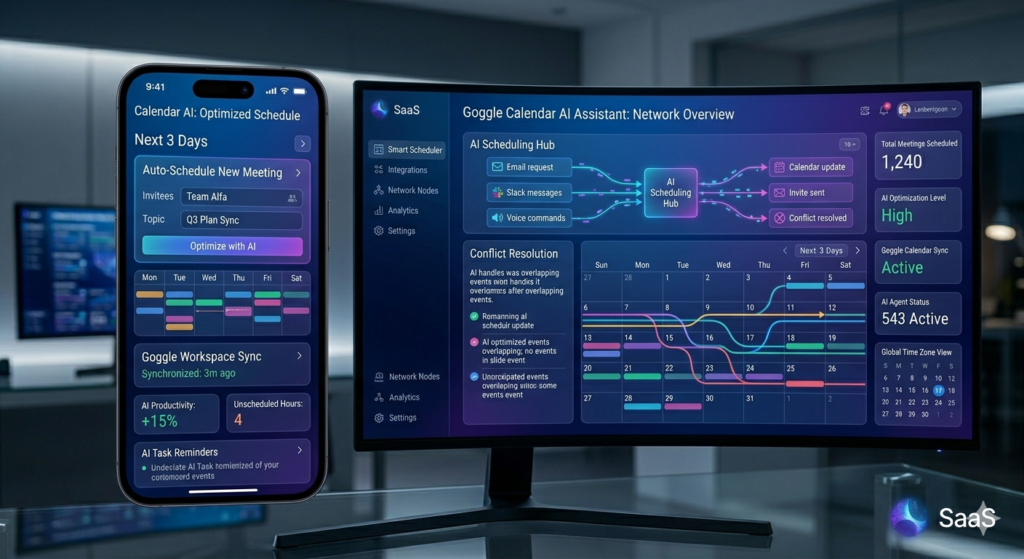
“AI calendar assistant automating Google Calendar scheduling and event creation”
Let’s explore how to build a practical automation – a personal calendar assistant that manages your schedule autonomously.
Step 1: Set Up the Trigger
Your automation can activate when you send it a message, making it function like an intelligent chatbot. Configure a greeting message: “Hello! I’m your calendar assistant. How can I help you today?”
Step 2: Configure the AI Agent
The agent is powered by your choice of language model (GPT-4 Turbo, Claude 3.5 Sonet, etc.) and includes a custom prompt:
“You are a calendar management bot. You observe, create, and manage events. You keep in mind the timing of events and will check the calendar before adding new ones to observe any potential conflicts.”
Step 3: Add Skills and Integrations
This is where the platform shines. Enable calendar skills:
- View calendars
- Create events
- Update events
- Delete events
- Find best times to schedule
- Detect conflicts
The result? You can text your agent: “When can I schedule a TV shopping trip this week?” and it will analyze your calendar, suggest optimal times, and create the event when you confirm – all automatically.
Outbound Link: Explore Google Calendar API documentation for advanced integrations Internal Link: See our guide to AI-powered productivity tools
Advanced Automation: Daily AI News Aggregator
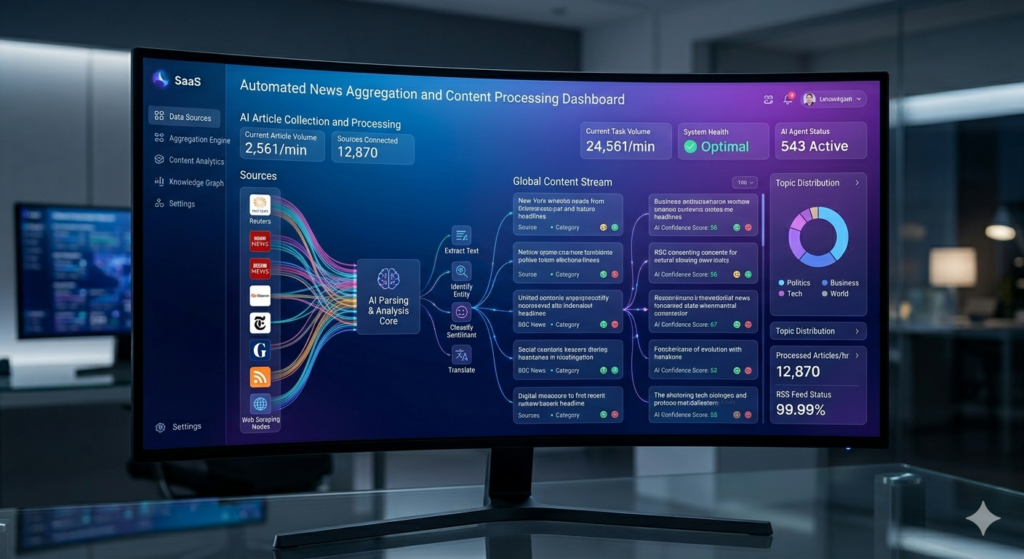
“Automated news aggregator collecting and organizing content from multiple sources”
The transcript demonstrates building a more complex automation: an AI news scraper that monitors multiple sources and updates a Google Doc daily.
Multi-Source Integration
This automation:
- Searches the web for latest AI news using multiple search engines (Google, Bing)
- Extracts content from specific websites and YouTube
- Checks for new content since the last update
- Updates a Google Doc with formatted news summaries
- Can trigger on schedule (daily at 8 AM) or on-demand
The beauty? Once configured, this runs completely autonomously, delivering curated news without any manual effort.
Internal Link: Learn how to set up automated content curation
Integration Ecosystem: Connect Your Favorite Apps
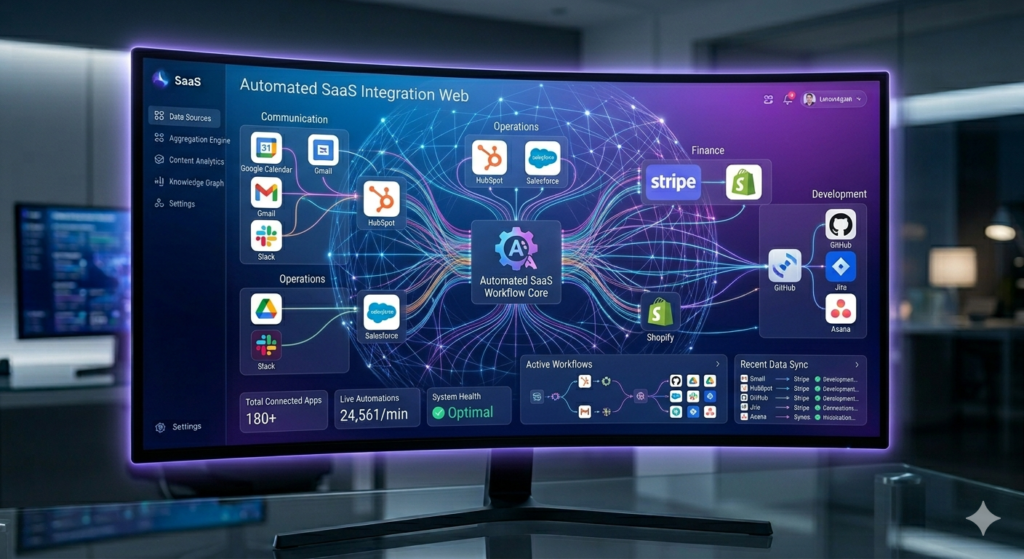
“Automation platform integrations connecting Google Workspace, Slack, HubSpot, and business applications”
The platform supports an impressive array of integrations:
Productivity Tools
- Google Workspace: Calendar, Gmail, Docs, Sheets, Tasks
- Communication: Slack, Telegram (Discord coming soon)
- Project Management: Google Tasks, custom workflows
Business Applications
- CRM: HubSpot
- Payment Processing: Stripe, PayPal
- Shipping: DHL tracking
- Cloud Services: AWS, Google Cloud Storage
Developer Tools
- GitHub: Repository management
- Custom APIs: Build custom integrations
- Webhooks: Trigger automations externally
- HTTP Requests: Connect to any web service
The platform’s no-code approach means you don’t need programming expertise, but developers can leverage advanced features like custom API calls for unlimited possibilities.
Outbound Link: Discover Zapier’s automation platform for comparison Internal Link: Browse our database of no-code automation tools
Pricing: Understanding the Credit System and Plans
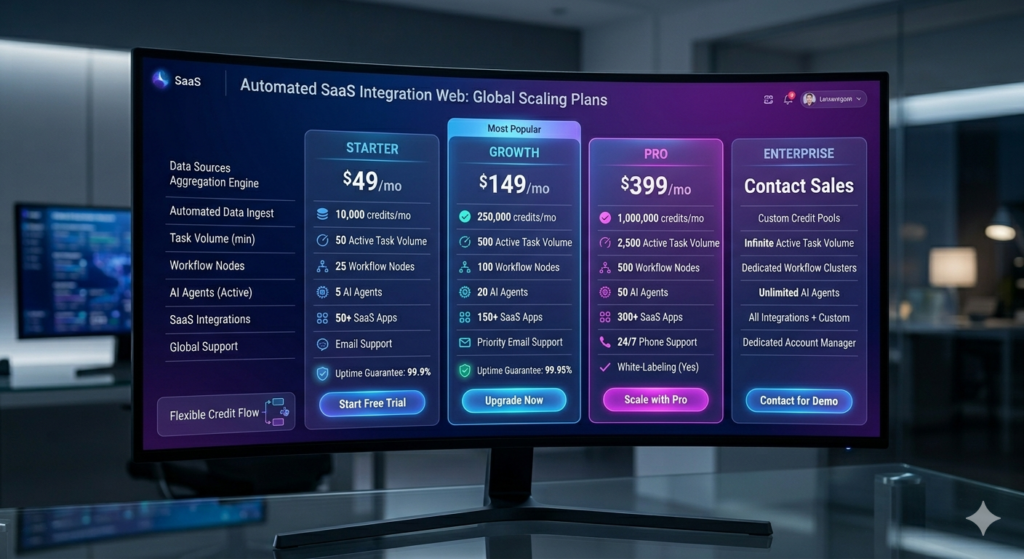
“Pricing plans comparison showing free tier, monthly subscriptions, and credit allocations”
The platform operates on a credit-based pricing model, which makes sense given the computational costs of running autonomous AI agents.
Free Tier (Perfect for Testing)
- 400 credits (approximately 400 tasks)
- 1 million character knowledge base
- Full access to test the platform
Paid Plans
- $30/month: 3,000 credits, 20 million character knowledge base, premium actions
- Additional credits and knowledge storage available
- Premium features include Messenger, Meeting Recorder, advanced webhooks
Optimization tip: You can configure your automations to use less expensive models for simpler tasks, maximizing your credit efficiency.
Internal Link: Calculate your ROI with automation tools
Why This Platform Is a Game-Changer for Business
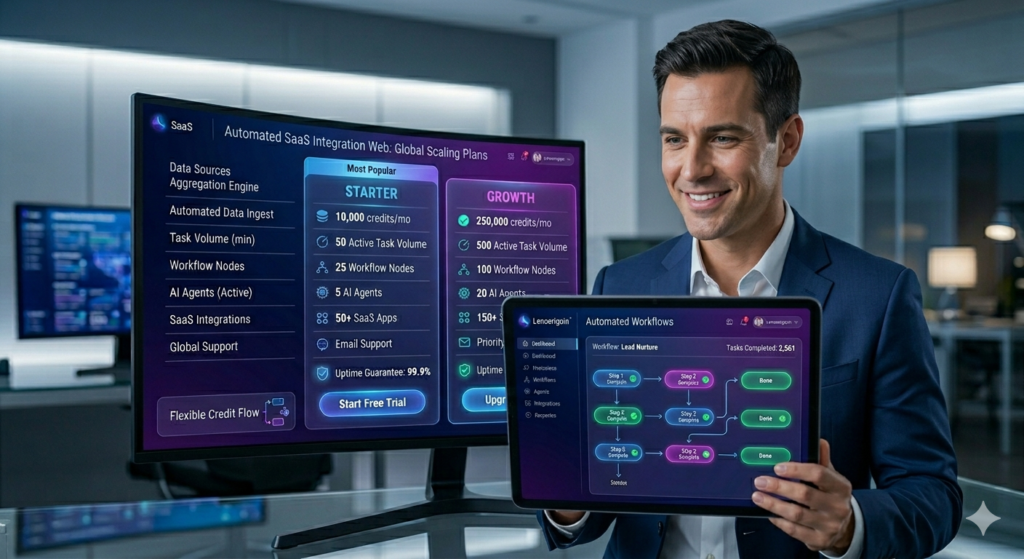
“Business professional using automation platform to manage workflows and increase productivity”
1. True Autonomy
Unlike ChatGPT or Google’s Gemini, these agents work independently. Set them up once, and they execute tasks 24/7 without constant supervision.
2. No-Code Accessibility
The visual Flow Editor democratizes automation. You don’t need to be a developer to create sophisticated AI workflows.
3. Multi-Agent Collaboration
Agents can communicate with each other, enabling complex multi-agent systems where specialized AI collaborators work on large projects.
4. Continuous Improvement
Version 2.0 just launched with the Flow Editor, and the platform is rapidly evolving. Early adopters can shape the future by reporting issues and suggesting features.
5. Cross-Platform Access
With iOS, Mac, and Windows apps (Android coming soon), you can manage your automations from anywhere.
Outbound Link: Read Gartner’s report on the future of AI automation Internal Link: Compare automation platforms
Getting Started: Your Step-by-Step Guide
Ready to build your first AI agent? Here’s your action plan:
- Sign up for the free tier to explore the platform risk-free
- Start with a template: Pre-built automations for common use cases (meeting notetaker, email responder, sales recorder)
- Customize for your needs: Modify templates or build from scratch using the Flow Editor
- Test thoroughly: Use the built-in testing features to ensure your automation works as expected
- Share your creations: Publish to the Store or share with your team
Internal Link: Download our quick start checklist
The Future of Work Is Autonomous

“Future of work showing human-AI collaboration in modern workplace with automation”
This platform represents more than just another productivity tool – it’s a glimpse into the future of work where AI agents handle routine tasks, freeing humans to focus on creative, strategic, and high-value activities.
The ability to integrate with hundreds of applications, make autonomous decisions, and execute complex workflows positions it at the forefront of the automation revolution. Whether you’re a solopreneur looking to automate administrative tasks, a business seeking to streamline operations, or a developer wanting to build sophisticated systems, this tool provides what you need.
Conclusion: Start Your Automation Journey Today
The question is no longer whether AI will transform how we work, but how quickly you’ll adapt. The 2.0 upgrade provides an unprecedented opportunity to harness autonomous agents that actually do work – not just talk about it.
With its intuitive Flow Editor, extensive integrations, and powerful capabilities, this is the most capable automation platform available today. The free tier lets you experiment risk-free, and the potential applications are limited only by your imagination.
Ready to build your first AI agent? The future of autonomous work is here.
Start your free trial today and discover how autonomous AI agents can transform your workflow. Share your creations with the community and join the automation revolution!
Internal Link: Subscribe to our newsletter for weekly automation tips Outbound Link: Join the community forum
Leave a Reply